KICKPULSE VS THE REST
KickPulse uses WebSocket connections and a separate proxy for each viewer. Viewers connect automatically when your stream goes live.
HOW IT WORKS
Up and running in under 5 minutes.
Pick a package
Pick a trial, hourly, weekly or monthly plan with the viewer count you want.
Enter your channel
Enter your Kick.com username. You do not need API keys or a configuration file.
Go live on Kick
KickPulse detects when you start streaming and connects your viewer bots automatically.
Viewers join gradually
Over the first few minutes, viewers arrive at different times, just as people would when they find your stream.
FULL CONTROL FROM
YOUR DASHBOARD
Manage all your subscriptions from one dashboard. Start or pause viewers, switch channels and check your remaining time. You can also monitor live connections without editing configuration files or using APIs.
Open DashboardLive stream status
Check your active connections, viewer count and stream health as the dashboard updates every few seconds.
Track each subscription
Each subscription shows its own status: running, paused, or expired. Switch channels and adjust viewers without buying again.
Expiry countdown
When less than 72 hours remain, a live countdown shows how much time is left on your active subscription.
Multiple subscriptions
Run several subscriptions at once on different channels, with separate packages and controls for each in your dashboard.
SEE YOUR
SESSION RESULTS
After each stream, your report separates organic viewers from the ones we added. The chart shows how the count changed over time, including how viewers joined in the first few minutes.
- Organic vs. addedSeparate bands show your organic audience alongside the viewers we added.
- Peak and averageSee your highest viewer count and the average across the session.
- Viewer arrivalsSee how your viewer count increased as viewers joined gradually.
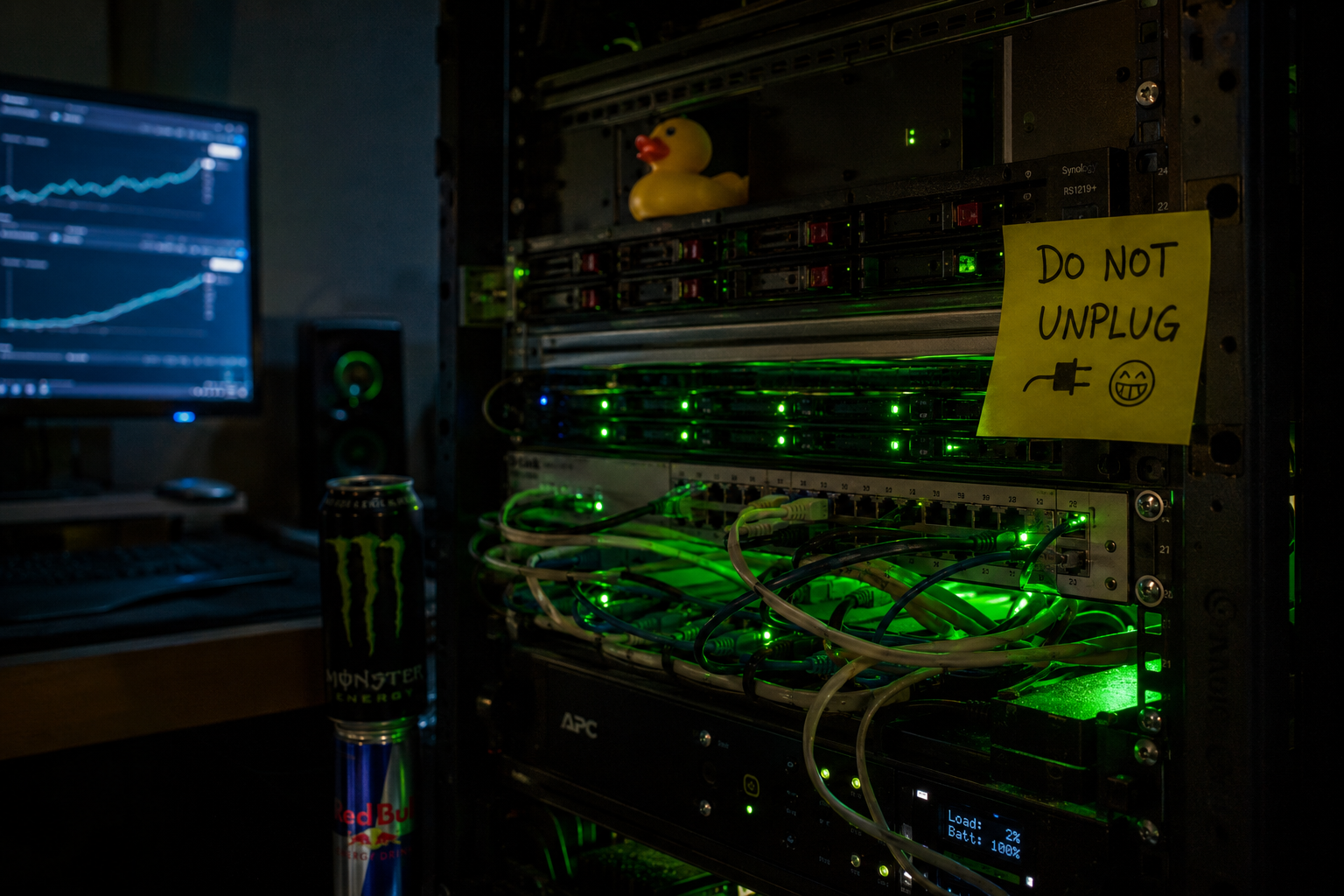
The not-so-secret sauce. Running 24/7, rain or shine.
PACKAGES FOR EVERY STAGE
Try it for $1, or choose a larger plan with up to 1000 concurrent viewers.
HOW WE KEEP VIEWERS
CONNECTED
READY TO BOOST YOUR STREAM?
Try KickPulse on your channel for $1, with no ongoing commitment. Get started in under 5 minutes and see how it works before choosing a larger plan.
Frequently Asked Questions
What technology does KickPulse use?
KickPulse uses WebSocket connections and rotating residential proxies to simulate viewer activity on your Kick stream. Each viewer has its own proxy.
Does KickPulse work with any Kick stream?
Yes, it works with any public Kick.com channel. KickPulse detects when you go live and connects your viewers automatically.
Does the viewer count drop when I stop the service?
Yes. When you pause or cancel the service, the viewers we added leave and your count gradually returns to your organic audience.